
Build with content blocks
Combine text, images, buttons, coupons, and timers. Reorder or remove blocks as your promotion changes.
PRIMEPOPUP / FOR SHOPIFY
A new collection. A weekend offer. A first hello.
Give it a place in your store with popups you can design and time yourself.
Free at launch. Available on the Shopify App Store.
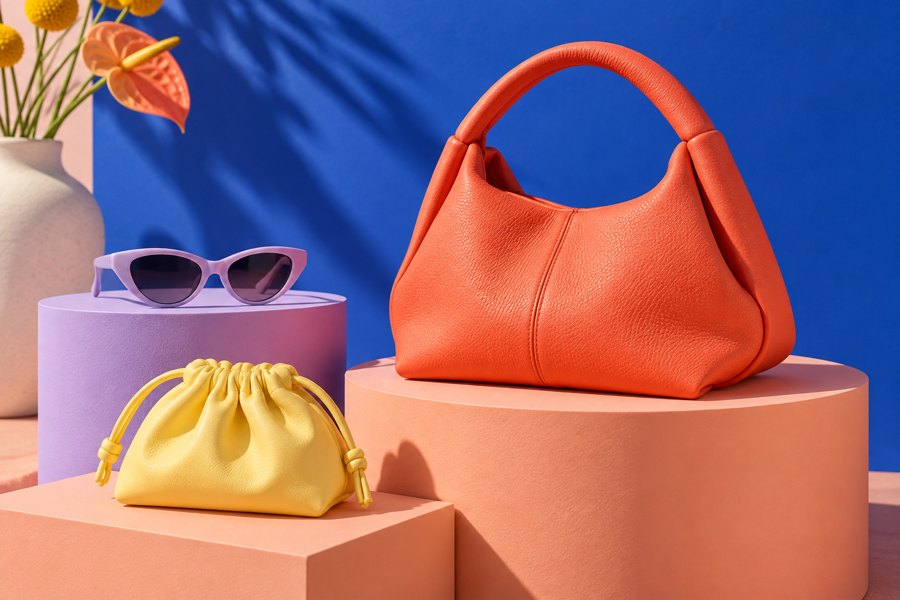
A little colour goes a long way.
Explore the collection ↗Your next favourite, with a little extra off.
WEEKEND15Sample offer · Eligible products onlyConsider this your invitation to explore.
Take a look around ↗Illustrative designs · Sample offers · AI-generated image
Promotion popups Shopify discounts Your timing
THE DESIGN FILM / 00:30
See how colour, type and layout can give the same message a completely different feel.
A colourful accessories storefront introduces six popup concepts: a pink collection launch, a bold yellow sale coupon, a dark-green editorial offer, a mint shipping promotion, a coral welcome message, and photo-led new arrivals. The film closes with a gallery of designs and the message “One app. Many looks. PrimePopup.” Visit primepopups.com to explore the app. Sample discounts and shipping offers are illustrative. Instrumental music plays throughout; there is no spoken dialogue.
THE SETUP
Decide what shoppers see, when they see it, and how often it comes back.
Start with a promotion template. Add your message, image, button, and an existing Shopify discount code when your offer needs one.
Show your offer on arrival, after a delay, as shoppers scroll, or on exit intent. Set how often it can appear again.
Check the mobile and desktop previews, resolve any publish blockers, and go live. Review views and interactions to plan your next promotion.
INSIDE THE APP
Write the offer, add an image, and connect a Shopify discount. Your preview sits right beside the editor.
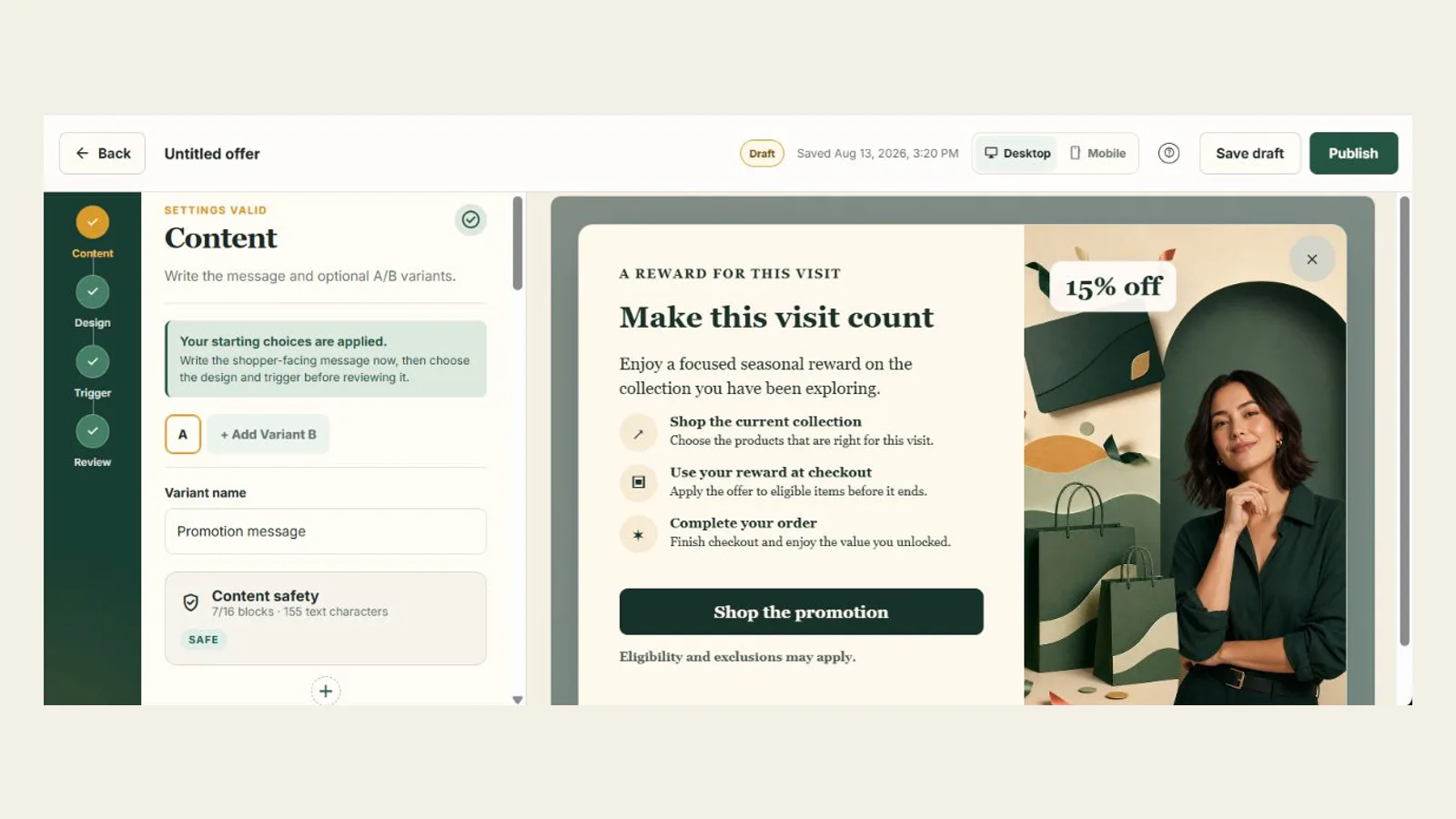
Combine text, images, buttons, coupons, and timers. Reorder or remove blocks as your promotion changes.
Try different messages or layouts with A/B variants and choose the share of eligible visitors who see each one.
Choose an active code from Shopify. PrimePopup checks it again before you publish the offer.
Your draft saves as you work. Shoppers keep seeing the published version until you publish your changes.
Yes. Install PrimePopup from the Shopify App Store, select your store, and follow Shopify's installation steps. Then enable the PrimePopup theme app embed before publishing your first popup.
PrimePopup is free at launch. If paid plans are introduced later, merchants will be asked to approve them through Shopify before any charge.
PrimePopup isolates its storefront styles and uses responsive layout guardrails, but no app can promise compatibility with every custom theme. Preview the popup and verify it on your published theme before relying on it.
PrimePopup is not designed to collect shopper names, email addresses, phone numbers, postal addresses, payment details, or raw IP addresses. Behavioral signals depend on Shopify analytics consent.
Install the app, enable the PrimePopup theme app embed on the published theme, create and publish an eligible offer, and meet the selected audience and trigger conditions.
Merchants create independent variants and assign traffic weights. PrimePopup uses a stable assignment so an eligible shopper does not arbitrarily switch between variants during the same campaign.
Practical Shopify popup guides
Find step-by-step help for a popup that will not appear, shows too often, or feels awkward on a phone.
Check the app embed, campaign eligibility, trigger, frequency, and consent state in a reliable order.
Troubleshoot visibility →Check your frequency settings and understand why a fresh browser can show the offer again.
Fix repeat displays →Check the popup size, scrolling, and close button alongside your store’s other apps.
Use the mobile checklist →Launching free for Shopify stores